
Download our manuals, proposals, brochures and other documents.
The left side is for agents, the right side for customers. Choose the files that match your environment (OS·device).
The remote support program installed on the agent's PC.
Previous version: Agent Program (Windows Ver.6)
Installed on the customer's PC (Windows·macOS).
Previous version: Customer Installer (Windows Ver.6)
Installed on the customer's smartphone·tablet (Android·iOS).
The left is the agent URL and the right is the customer URL for video support. Choose the one that fits your environment (OS/device).
Agent URL: https://wv.anysupport.net/
Customer URL: rtc.anysupport.net/
Anywhere on PC·mobile·video. Customers connect instantly from the web with no download.
Manuals are also divided into agent and customer versions.
Try all features free for 15 days, no installation required.
The questions we hear most often before teams roll it out.
An enterprise remote support solution: agents connect to a customer’s PC or mobile screen to see the problem and fix it directly. Around 7,000 companies across finance, public sector and manufacturing have used it over 27 years.
The installed edition puts a dedicated program on the agent’s PC and adds advanced features such as file transfer and session recording.
Web remote support (Web Viewer) starts from a browser sign-in with nothing to install — ideal for agents moving between PCs in the field or at home.
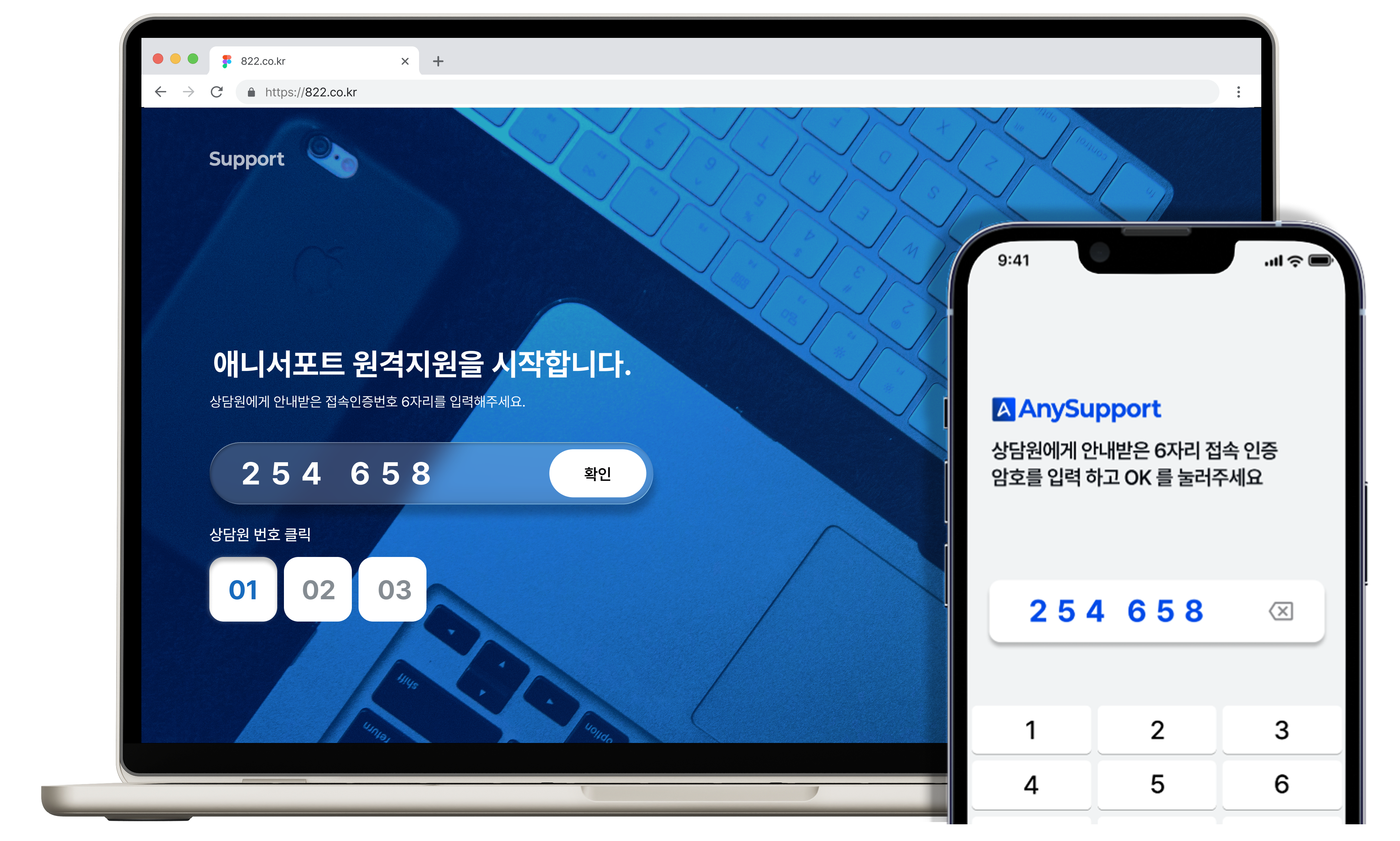
The customer opens the access page and enters the 6-digit code the agent gives them. Send the session link by email or SMS and they can connect with a single click, no code required.
Yes — PC remote support, mobile remote support and video support (seeing the site through the customer’s phone camera). Mobile remote support requires the dedicated app on the customer’s device.
Every session issues a fresh access code, and screen control begins only after the customer approves it. Every session is logged with reports, case counts and status for administrators to review.
Start the 15-day free trial to use it in your own environment. If you just want to see the flow first, the Web Viewer interactive demo needs no installation at all.