
제품별로 알아보는 사용 순서
원격접속 흐름 알아보기
고객
01
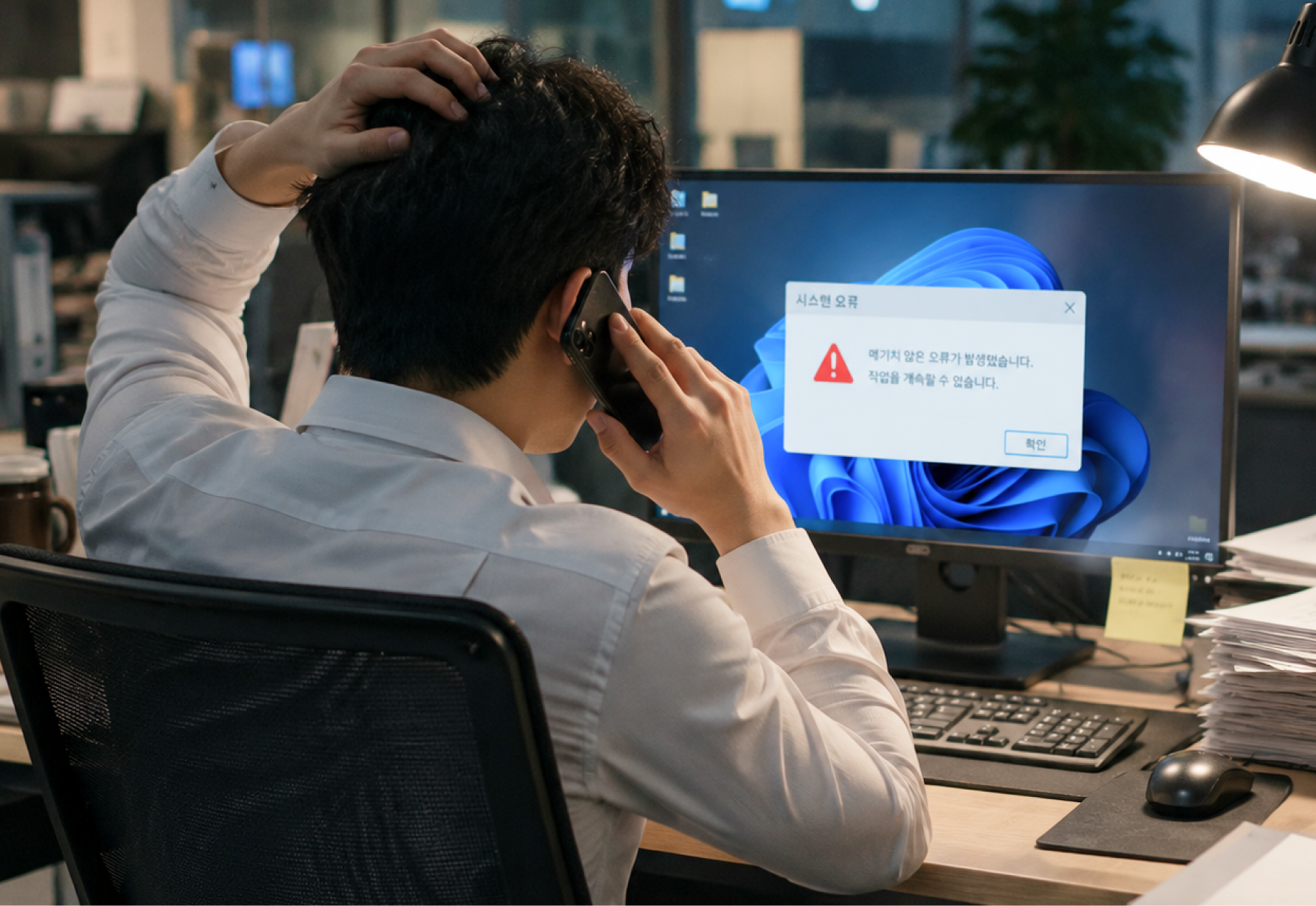
고객의 상담요청
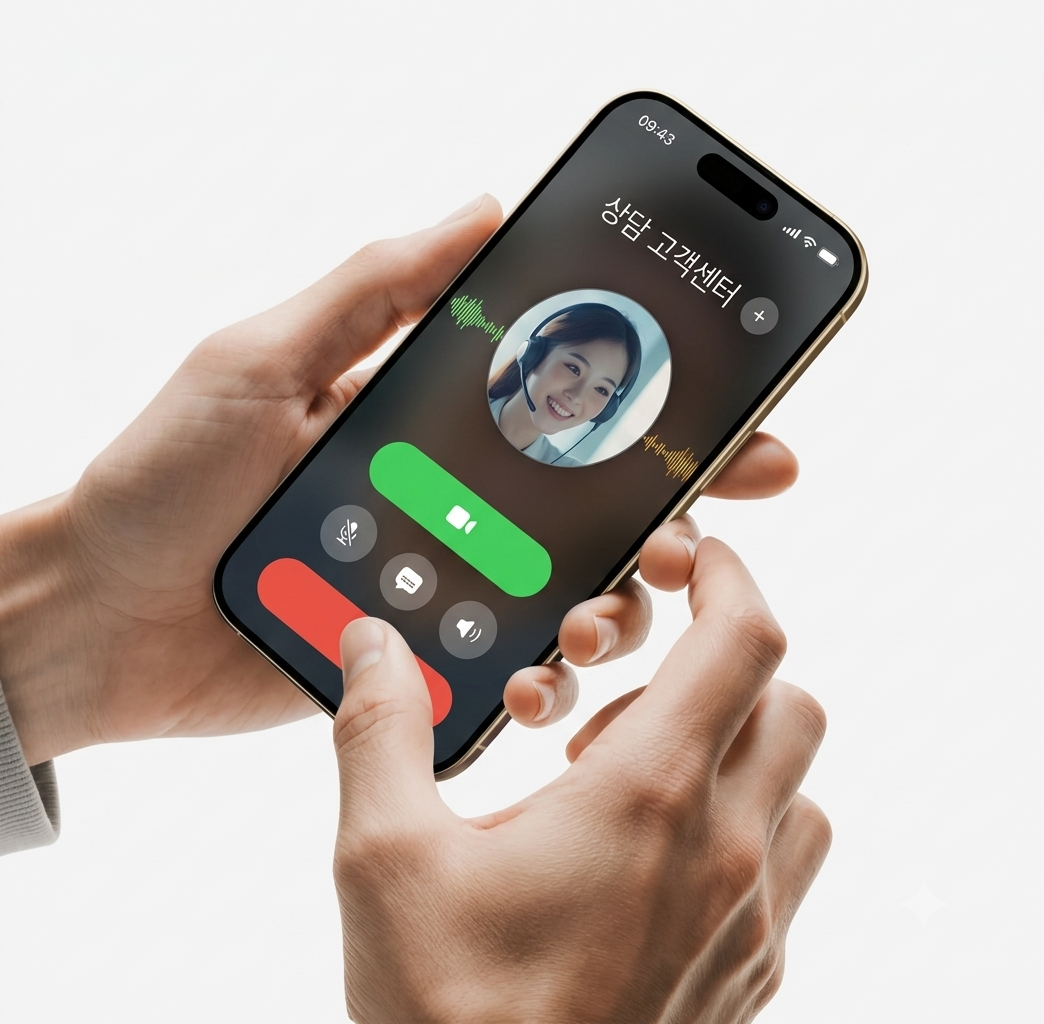
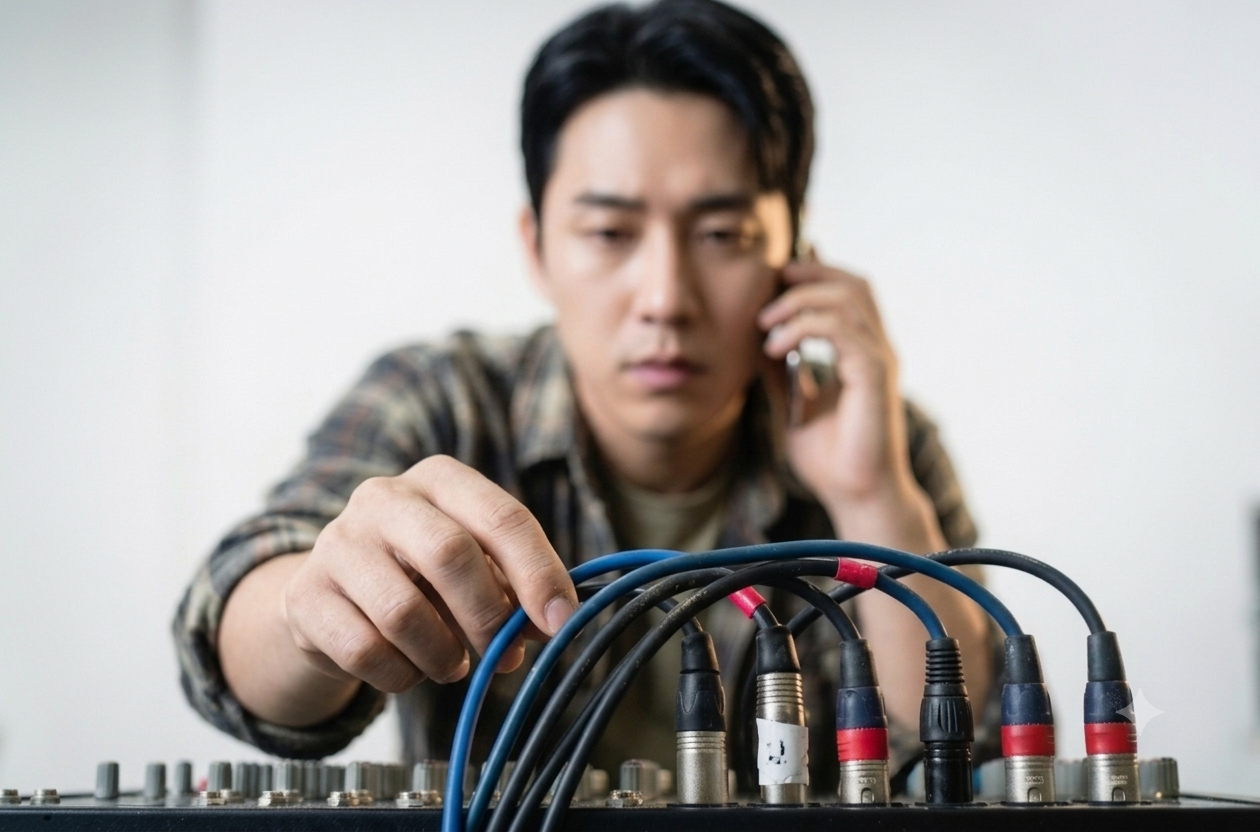
고객이 콜센터 또는 헬프 데스크를 통해 연락합니다.
통화만으로 상황 파악이 어렵거나 설명이 힘들 때 원격지원으로 이어집니다.
상담원
02
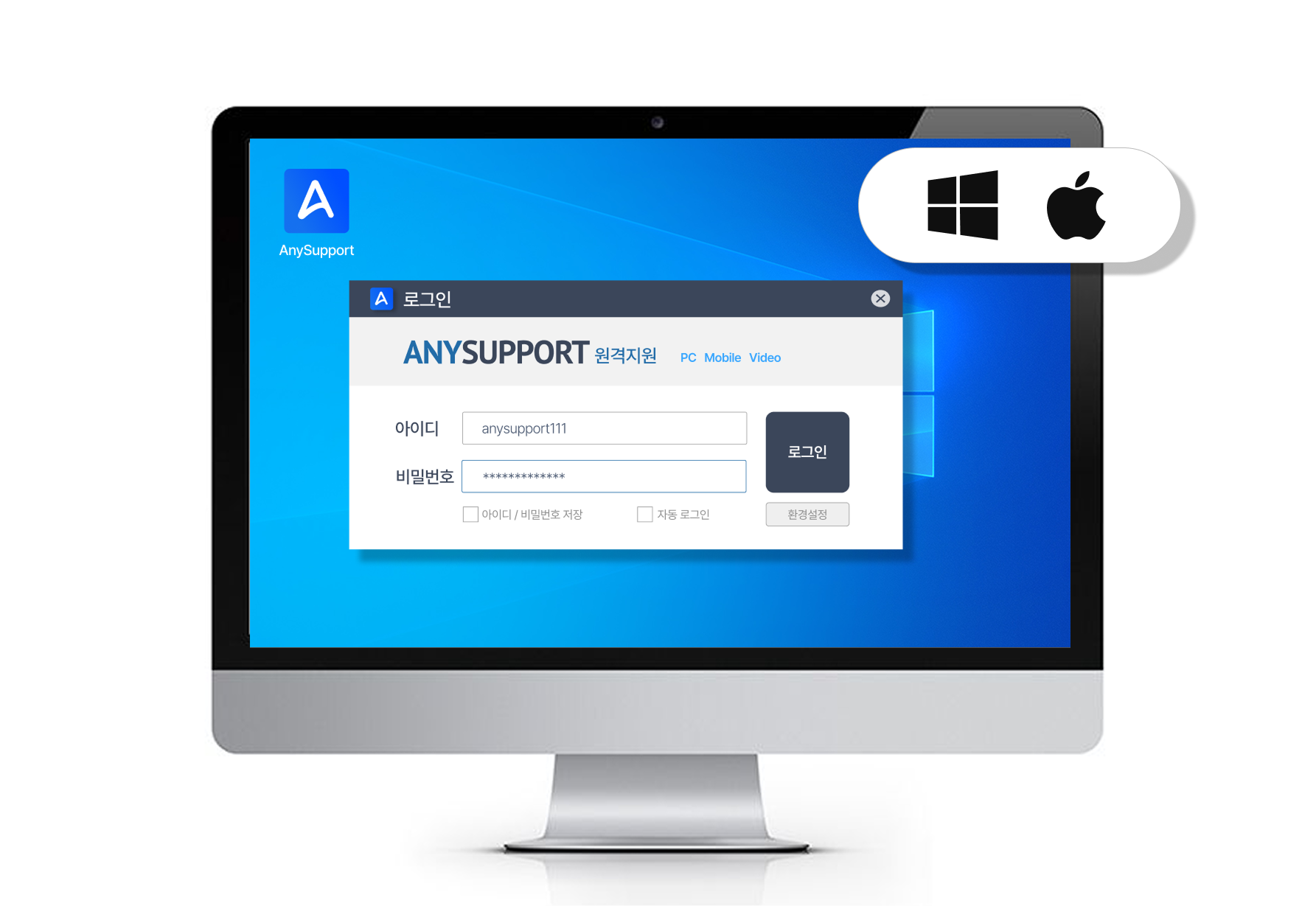
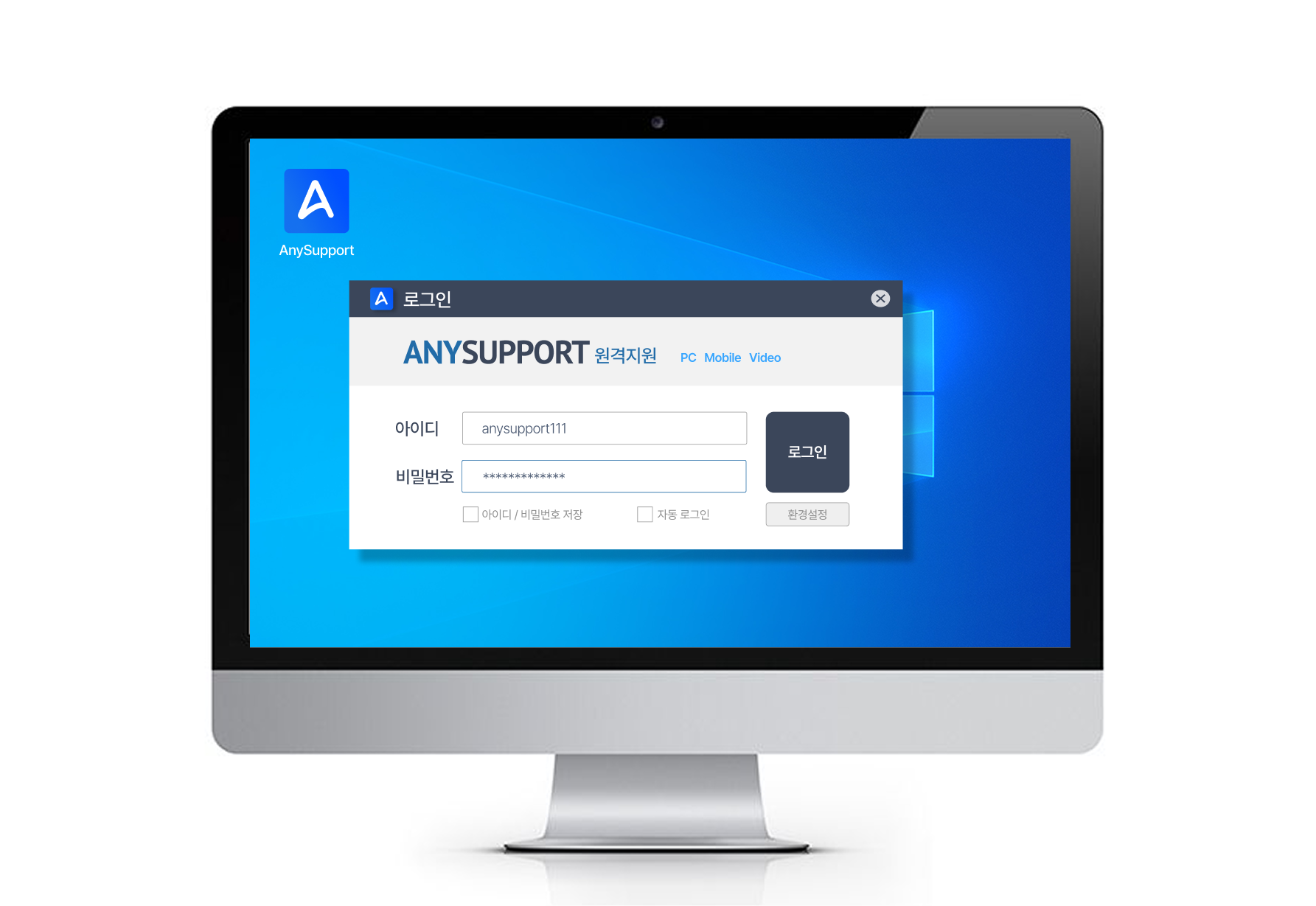
상담원 로그인
상담원 프로그램 및 홈페이지에서 로그인합니다.
홈페이지에 로그인해 프로그램을 실행하며, 자주 쓰는 PC는 설치형으로 바로 실행할 수 있습니다.
*Window/Mac iOS 지원
상담원
03
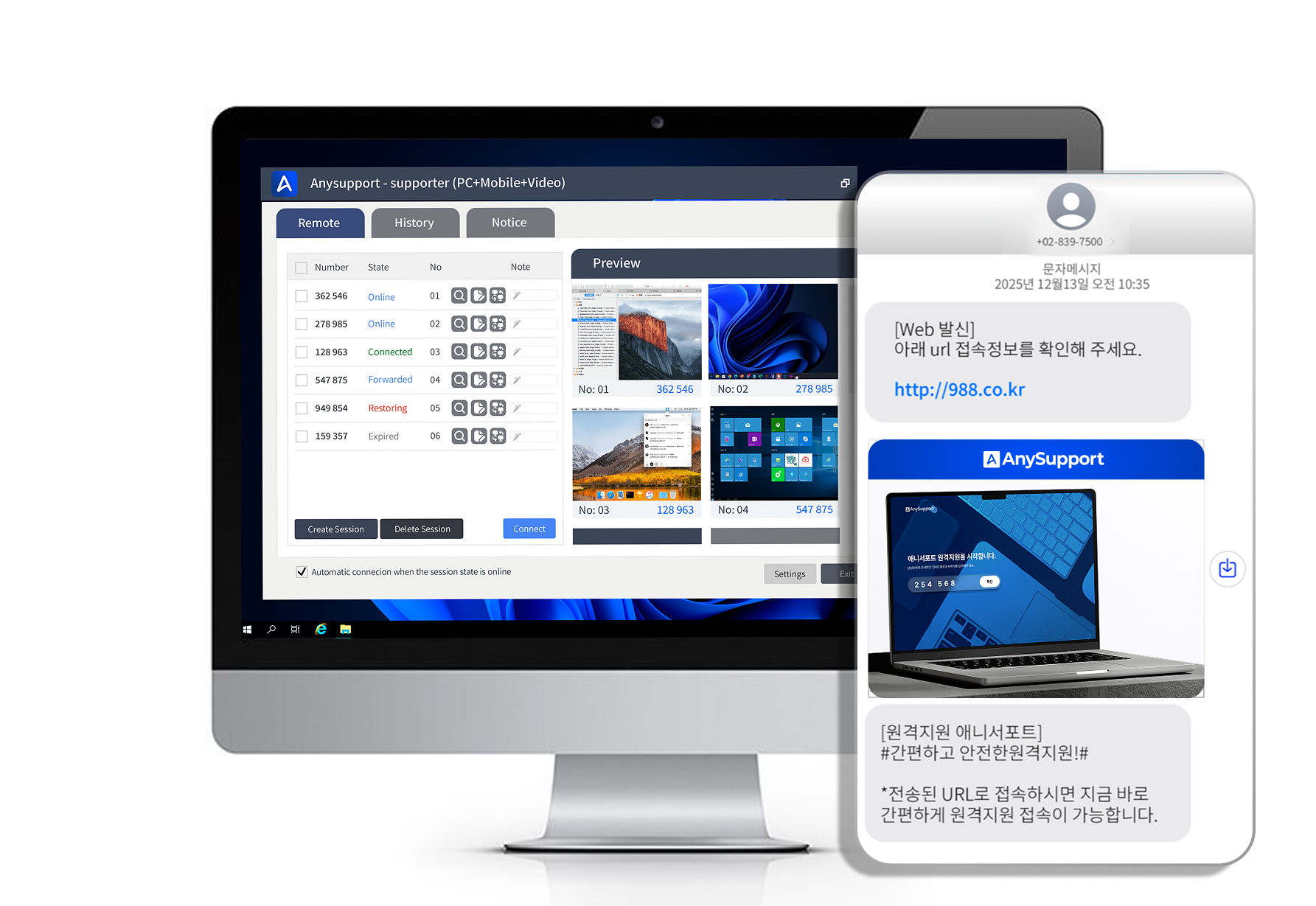
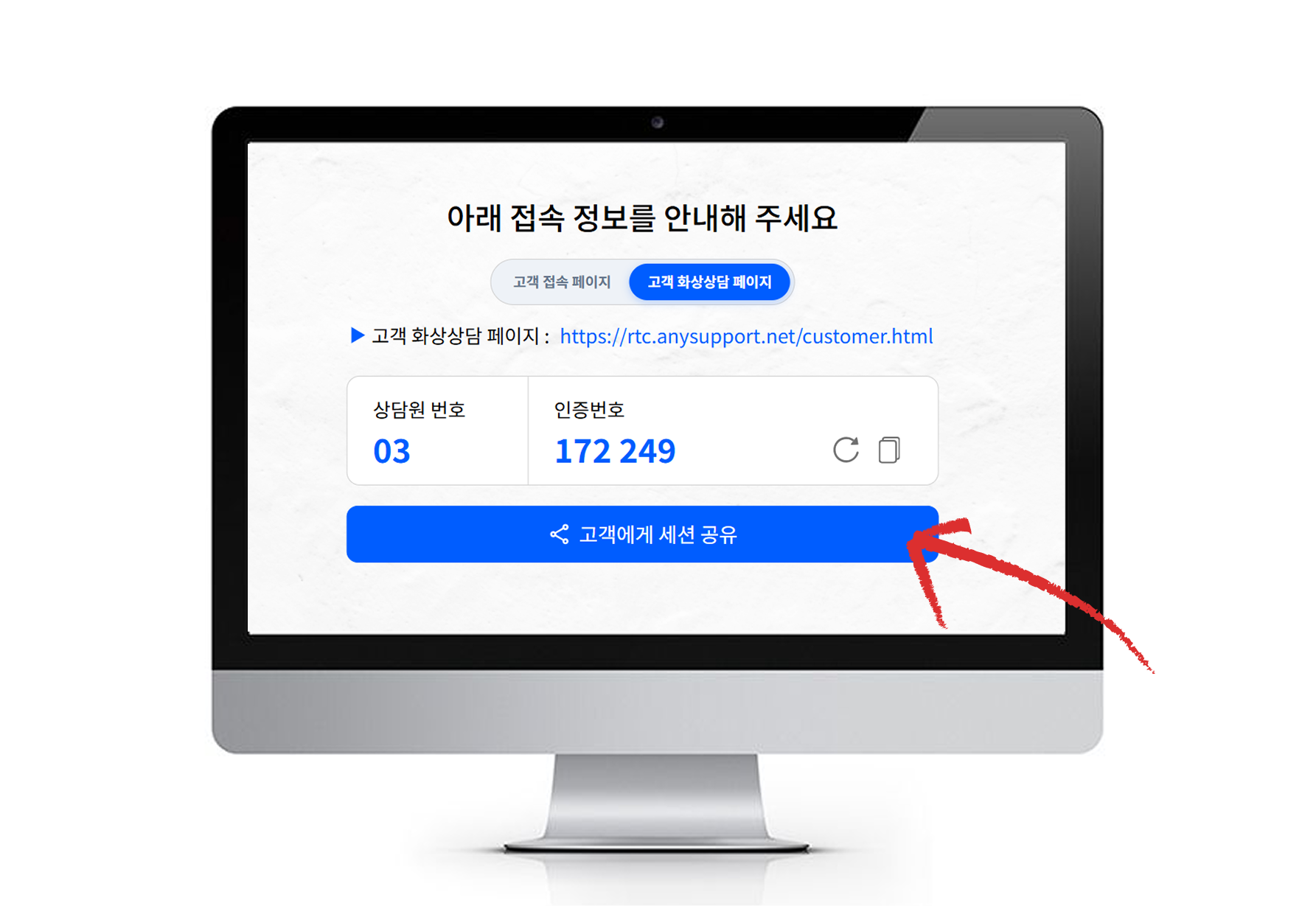
세션연결 시도
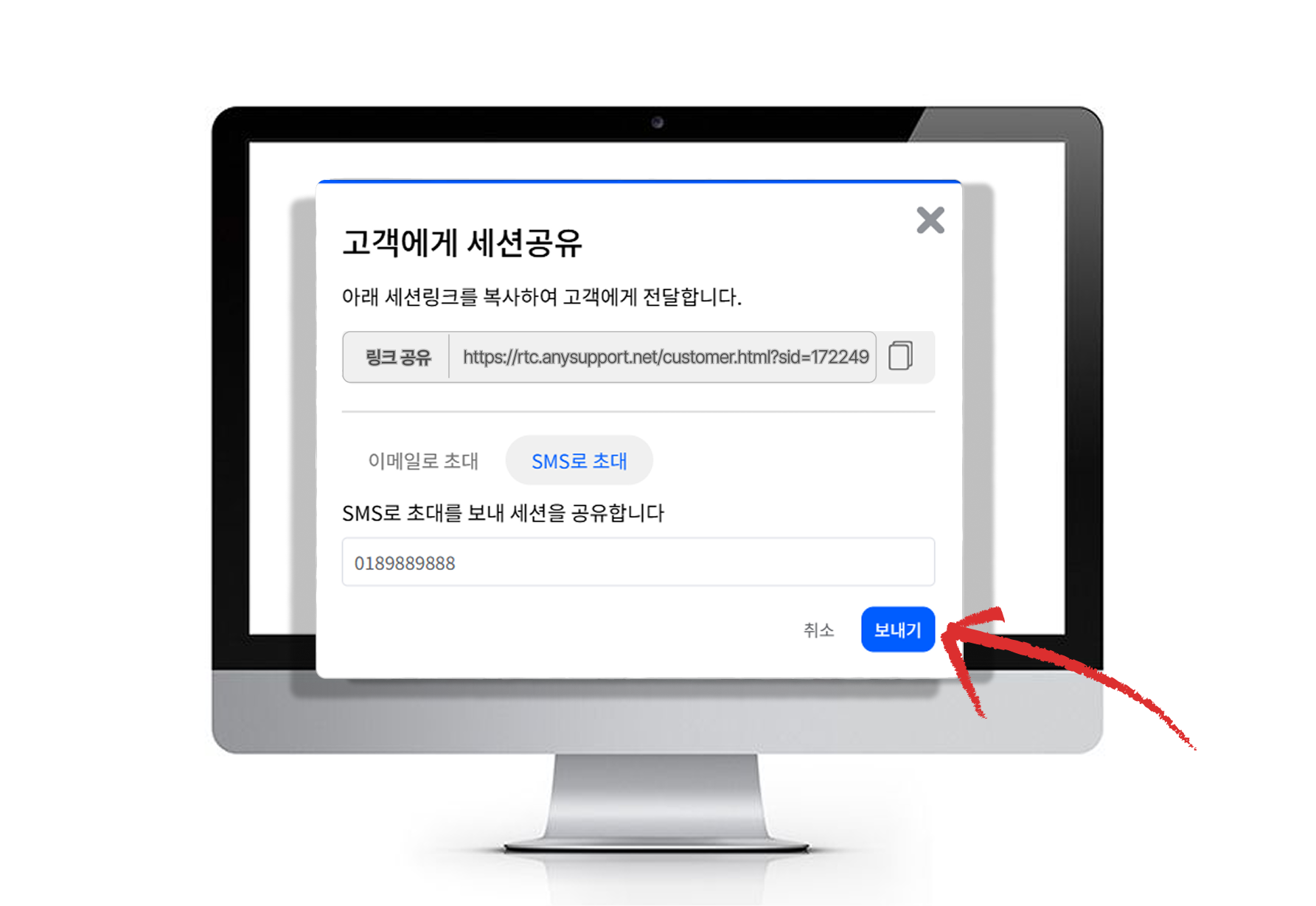
세션번호(6자리 인증번호)를 생성한 뒤 접속 페이지 URL과 함께 고객에게 전달합니다.
인증번호는 세션마다 새로 발급되는 일회성 번호로 고객을 안전하게 확인합니다.
고객
04
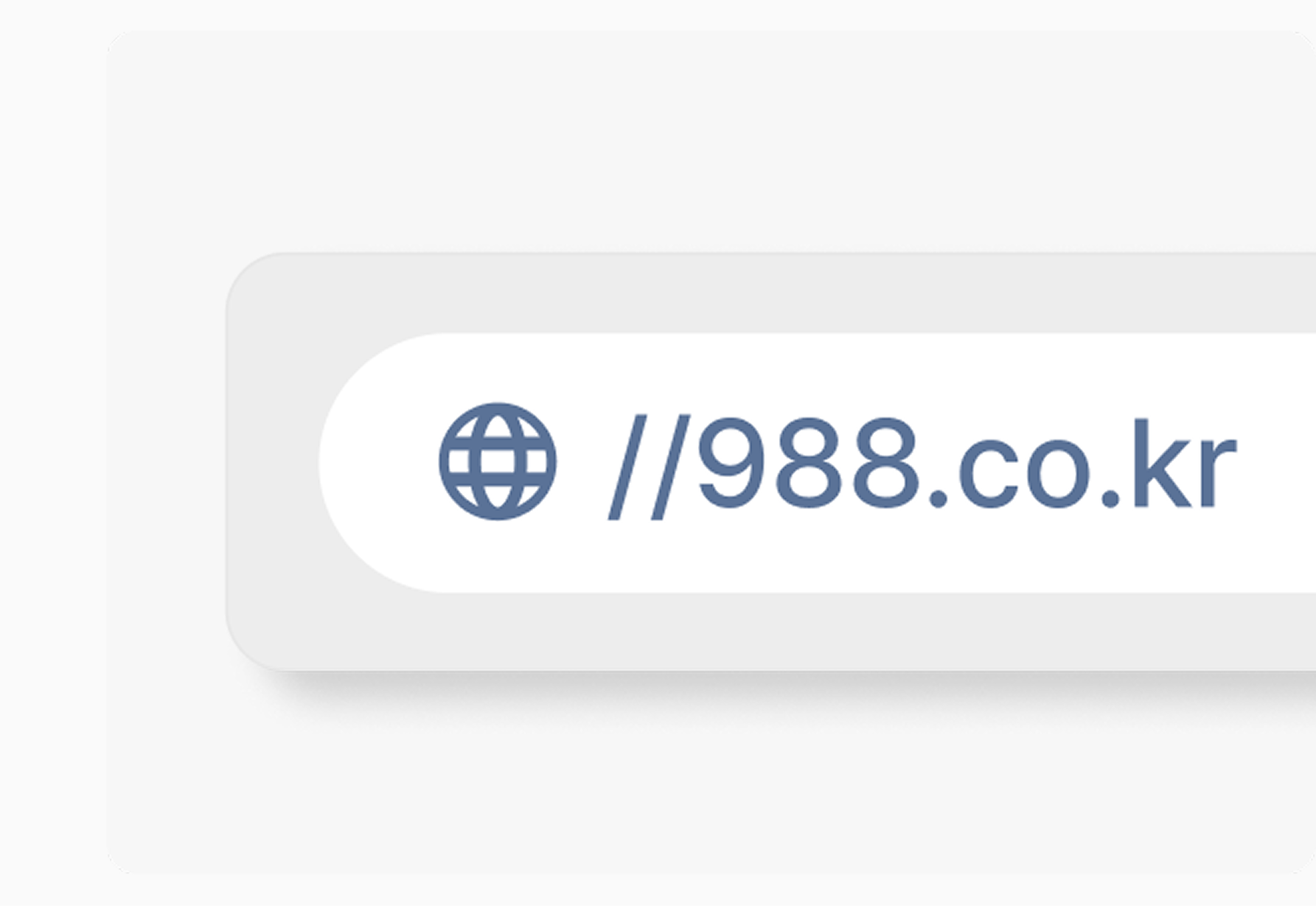
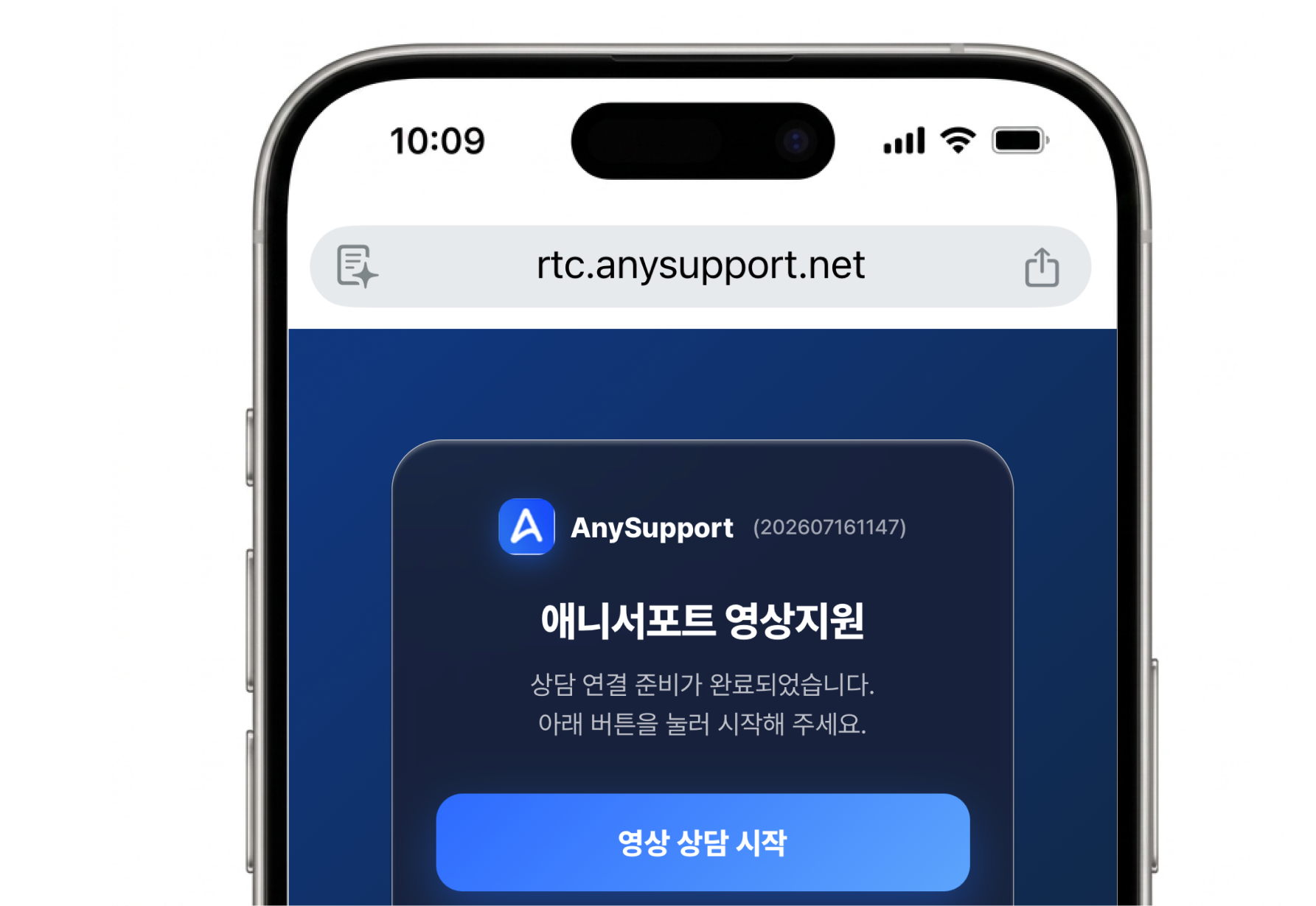
고객접속페이지 열기
인터넷 창을 열어 988.co.kr에 접속합니다.
별도 설치 없이 브라우저 주소창에 접속 페이지 주소만 입력하면 됩니다.
고객
05
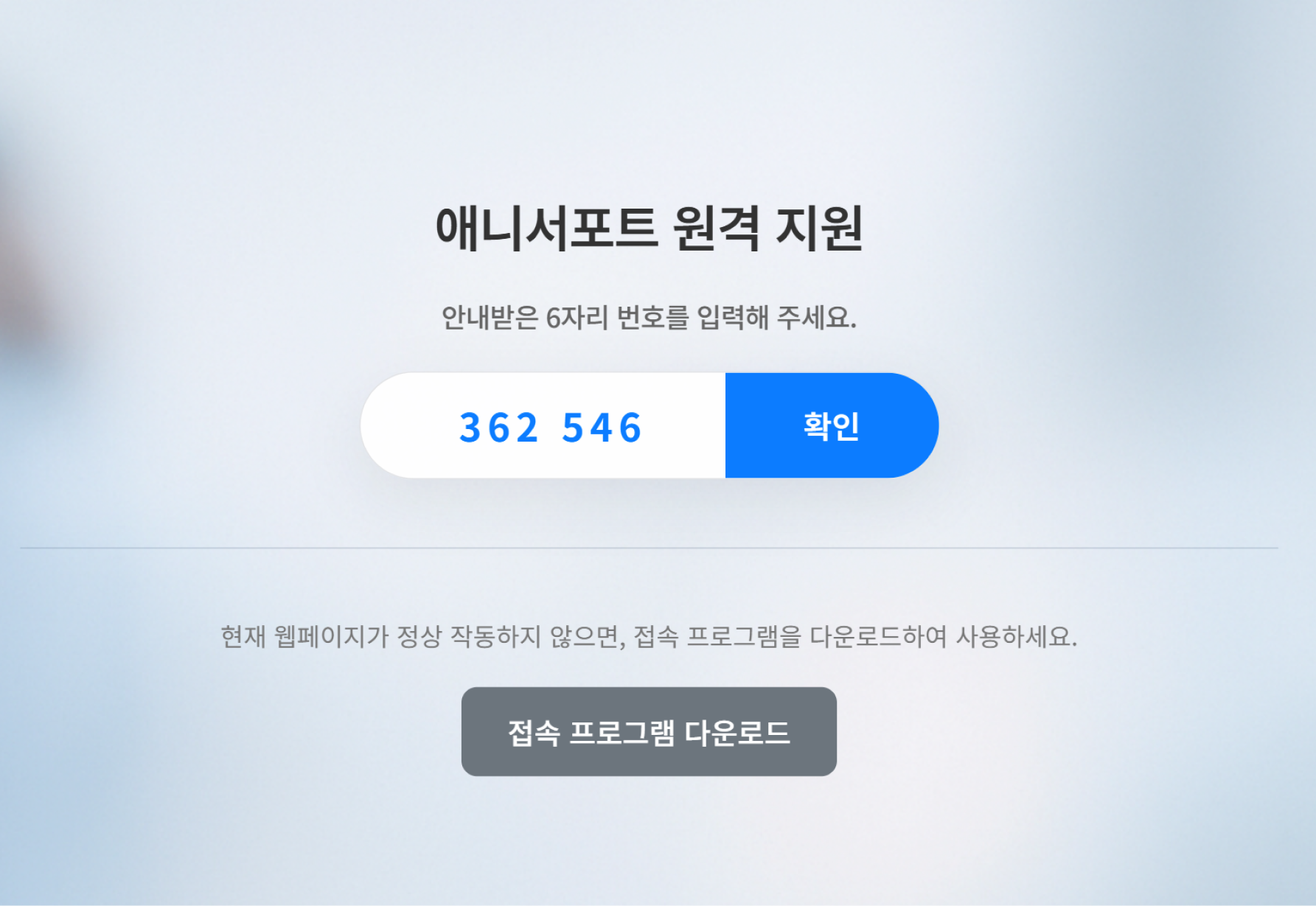
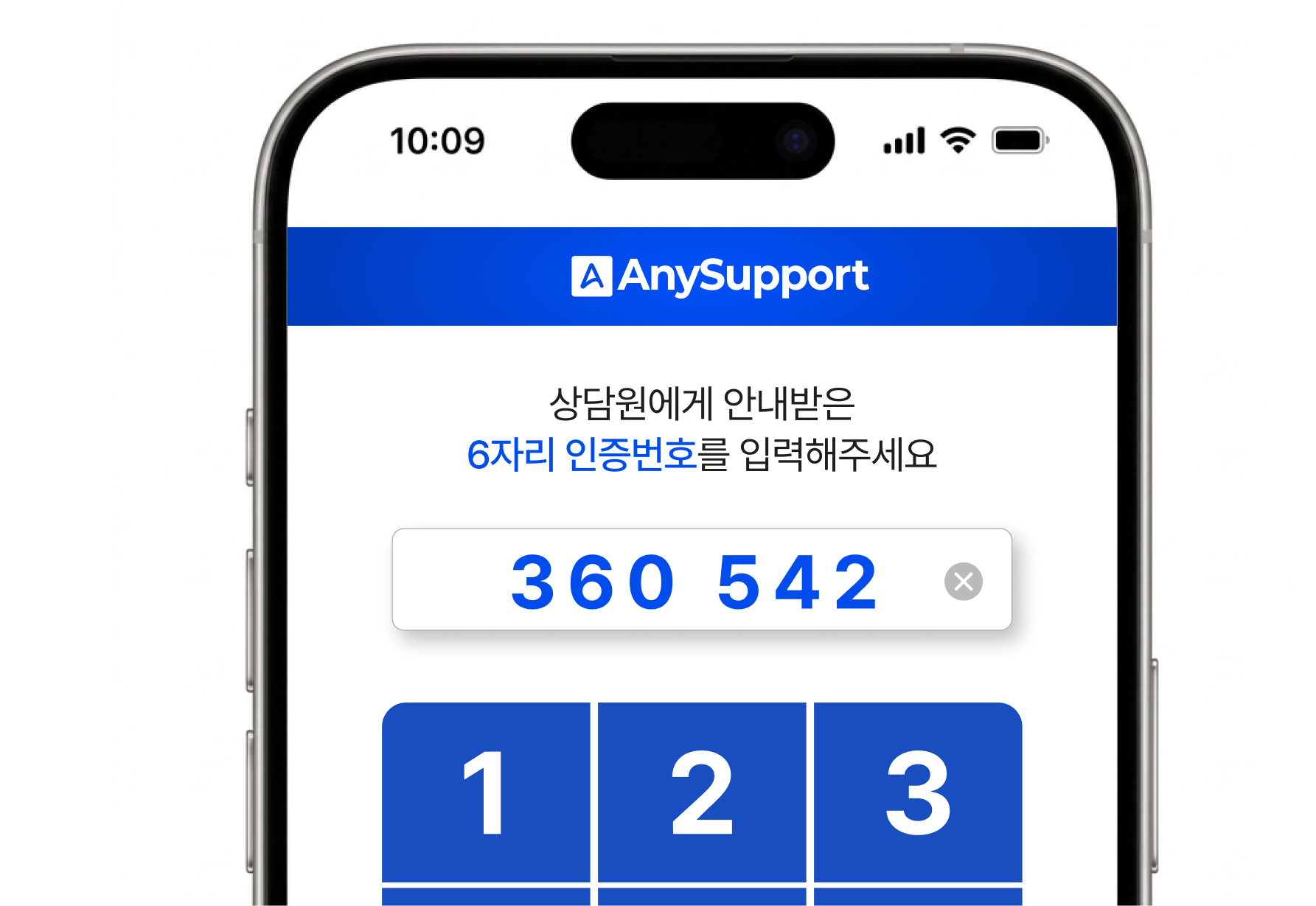
접속 인증번호 입력
상담원으로부터 전달받은 6자리 번호를 입력합니다.
번호 입력 후 작은 접속 모듈이 한 번 실행되면 연결 준비가 완료됩니다.
상담원
06
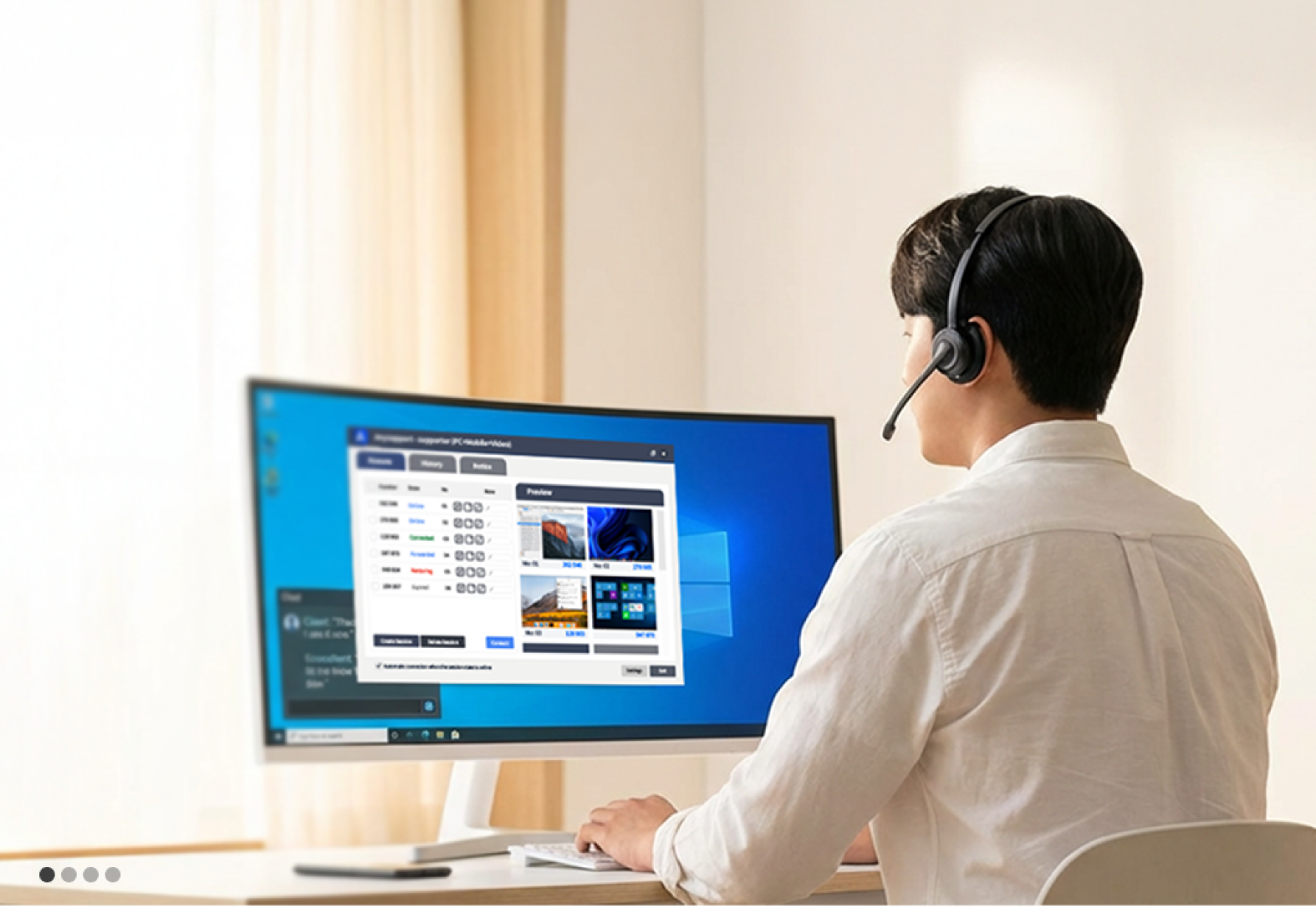
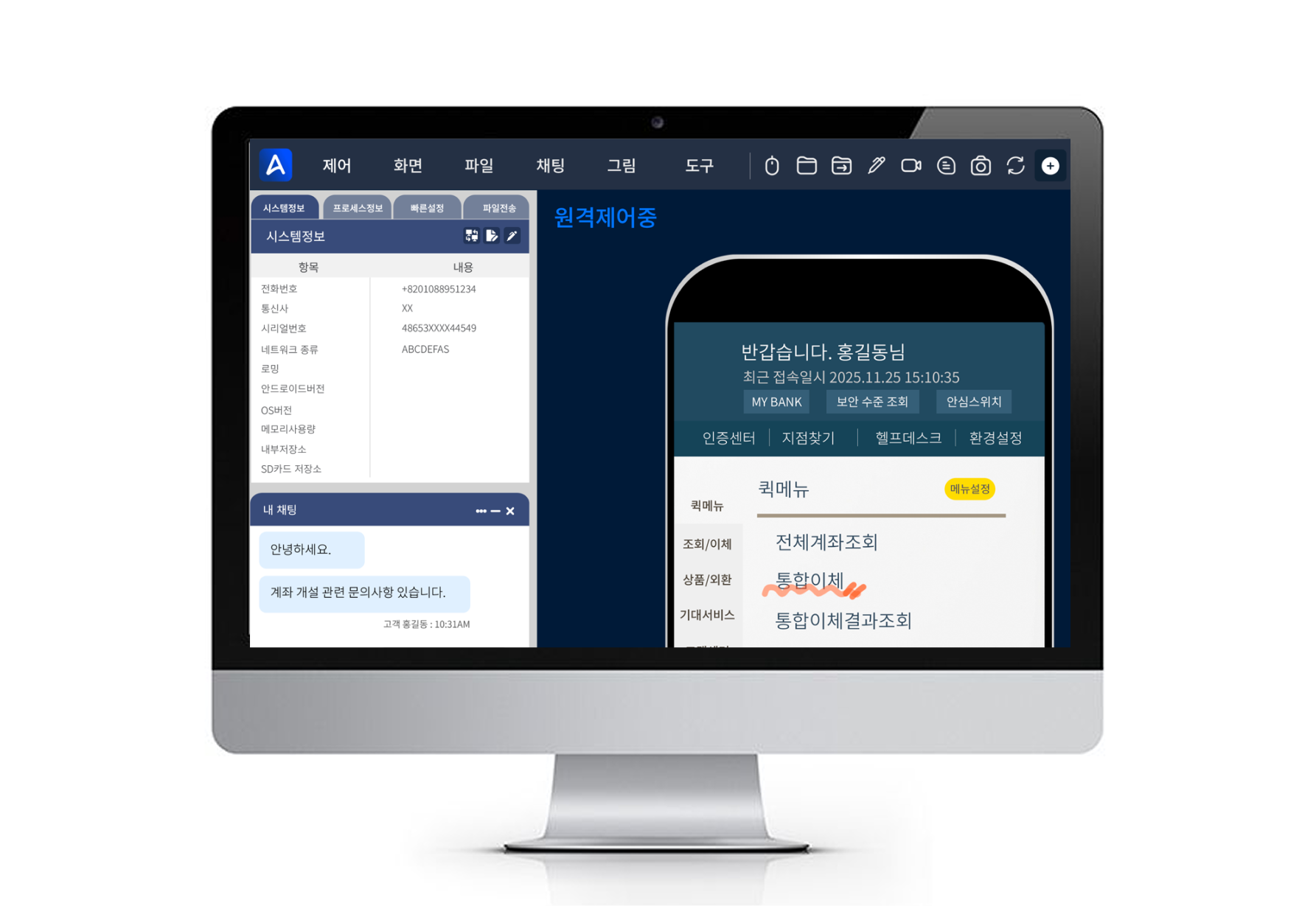
원격제어 시작
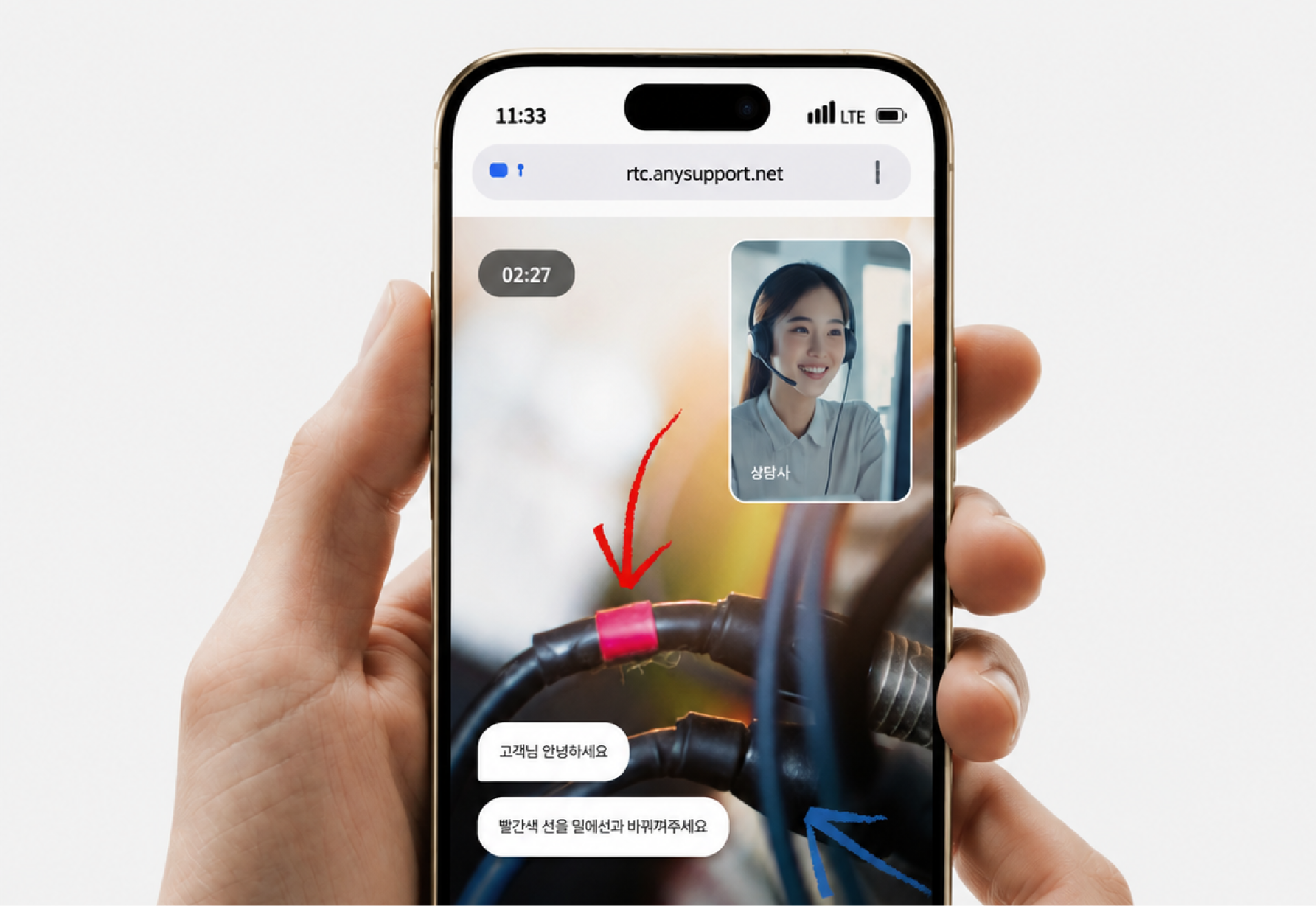
고객의 PC에 접속해서 원격지원을 수행합니다.
화면공유·파일전송·채팅·화면녹화 등으로 문제를 직접 해결하고, 완료되면 연결은 자동 종료됩니다.
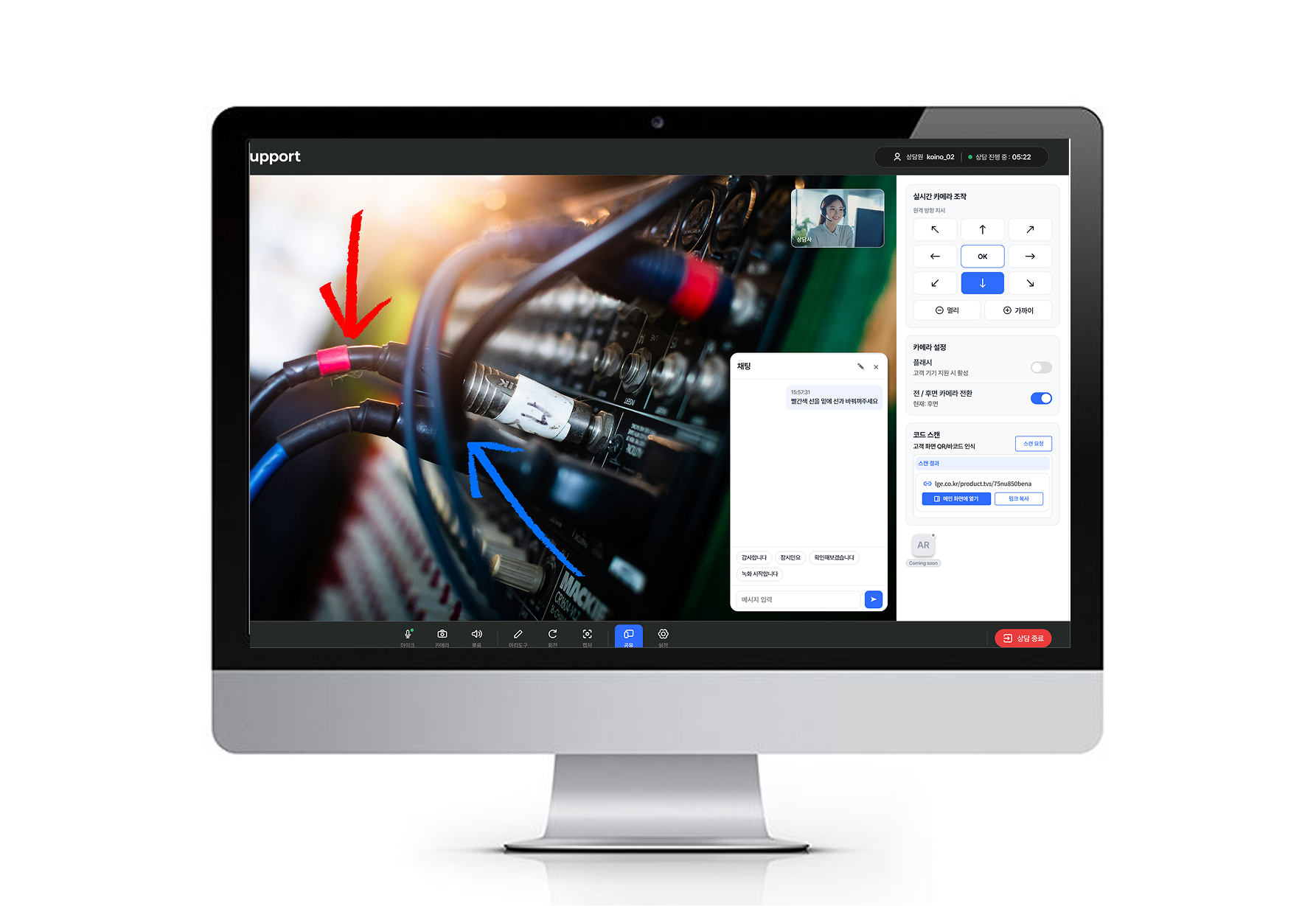
상담원 프로그램 설치 없이,
브라우저에서 바로 원격지원
웹과 설치형, 무엇이 다른가요?
웹 원격지원
상담원 실행 장벽 제거- 상담원 프로그램 설치 없이 브라우저 로그인으로 시작
- 외근·재택·여러 PC 등 장소·기기 제약 최소화
- 로그인 후 바로 지원 준비 완료
- 고객 PC는 접속 시 일회성 실행파일 실행
설치형 원격지원
전용 프로그램 기반- 상담원 PC에 전용 프로그램을 설치한 뒤 사용
- 설치된 지정 PC 중심의 고정 지원 환경
- 파일 전송·세션 공유·녹화 등 고급 기능 활용
- 전용 에이전트로 안정적인 상시 지원
웹은 새로운 제품이 아니라, 애니서포트를 더 편리하게 쓰는 접속 방식입니다.